
Garage Results guide library
Garage Door & Opener Guides
Find the right starting point for opener compatibility, remote programming, locked-door access, drive choices, and garage-door design. These guides emphasize exact models, visible identifiers, and safe next steps.
Start with the problem, then verify the label. A remote that stopped working, a lost access code, and a door that will not move require different first checks. Do not order a replacement control until you know which part of the system failed and have identified the complete opener model.
Start with your situation
Choose the closest symptom. The goal is to narrow the problem before you spend money or reset a working system unnecessarily.
Identify the opener before buying a control
A logo is not a compatibility specification. Two openers carrying the same retail brand may use different control systems because they were manufactured in different eras or by different companies.
Also check the opener manual for supported accessories and programming limits. A product described as “universal” still supports only specified brands, frequencies, manufacturing periods, or programming methods.
Remote or keypad not working: check in this order
- Confirm the opener has power. Check whether its lights or indicators respond and whether the wired wall control operates the door.
- Separate one failed control from a system-wide failure. If every control fails, do not assume that buying another remote will solve the problem.
- Replace the accessory battery and inspect its contacts. Follow the accessory instructions and reinstall the battery in the correct orientation.
- Check lock or vacation mode. Some wall controls intentionally disable radio remotes while leaving the wired control available.
- Verify compatibility before reprogramming. Match the full model information and follow the exact opener or accessory instructions rather than a generic button sequence.
Sensor alignment, door balance, travel settings, and mechanical door problems are separate paths. If the opener runs but the door reverses or binds, stop treating the remote as the primary suspect.
Controls & compatibility
Use these guides when the opener still works but a remote, keypad, vehicle-control, safety-sensor, or compatibility question is stopping you.

Garage-door safety sensors
Diagnose closing reversals, blinking or dark photo eyes, alignment, wiring, and exact replacement compatibility before ordering parts.
Troubleshoot the sensors → Remote troubleshooting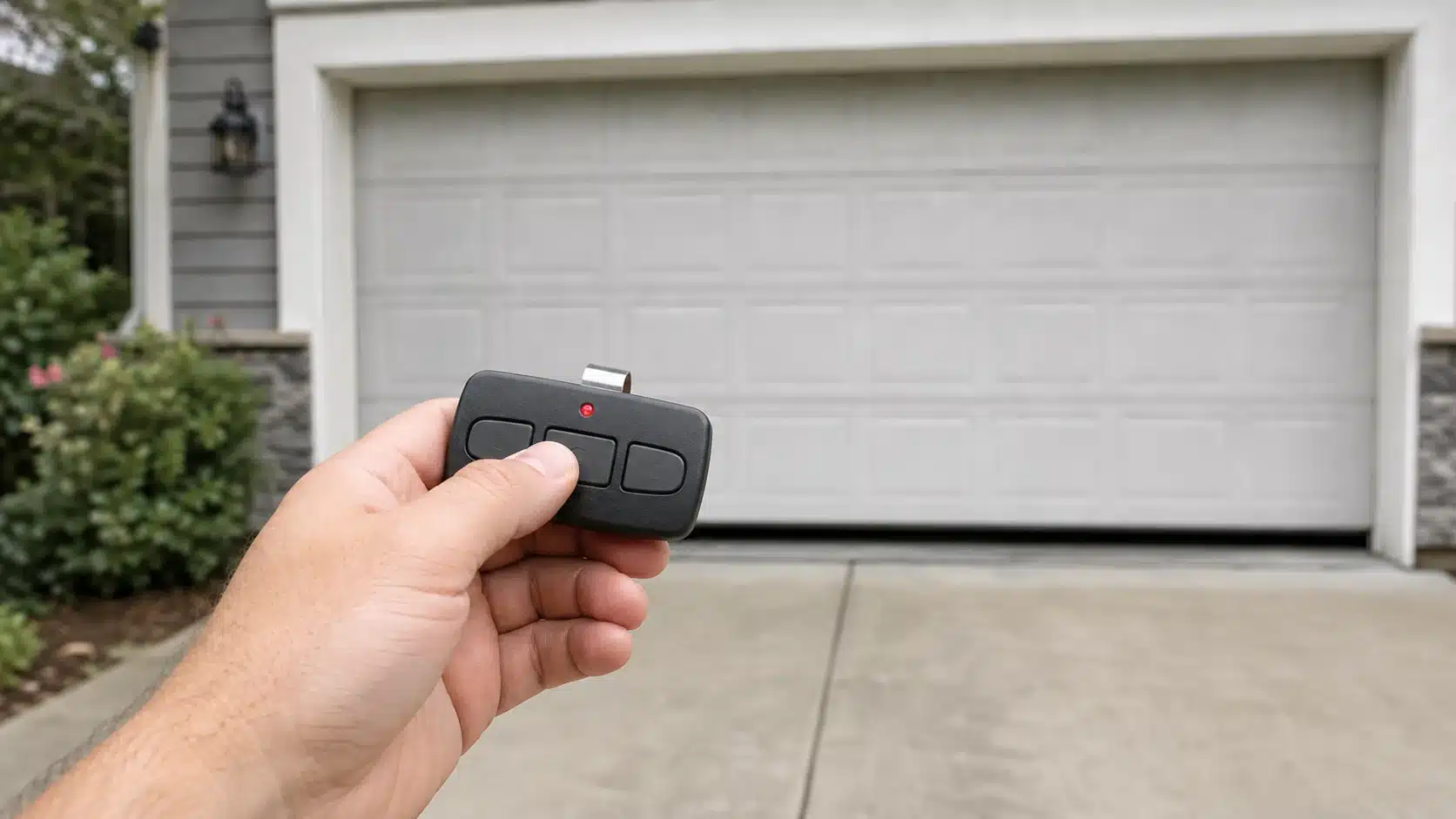
Garage-door remote not working?
Separate battery, lock-mode, programming, interference, and receiver problems before buying a replacement remote.
Diagnose the remote → Troubleshooting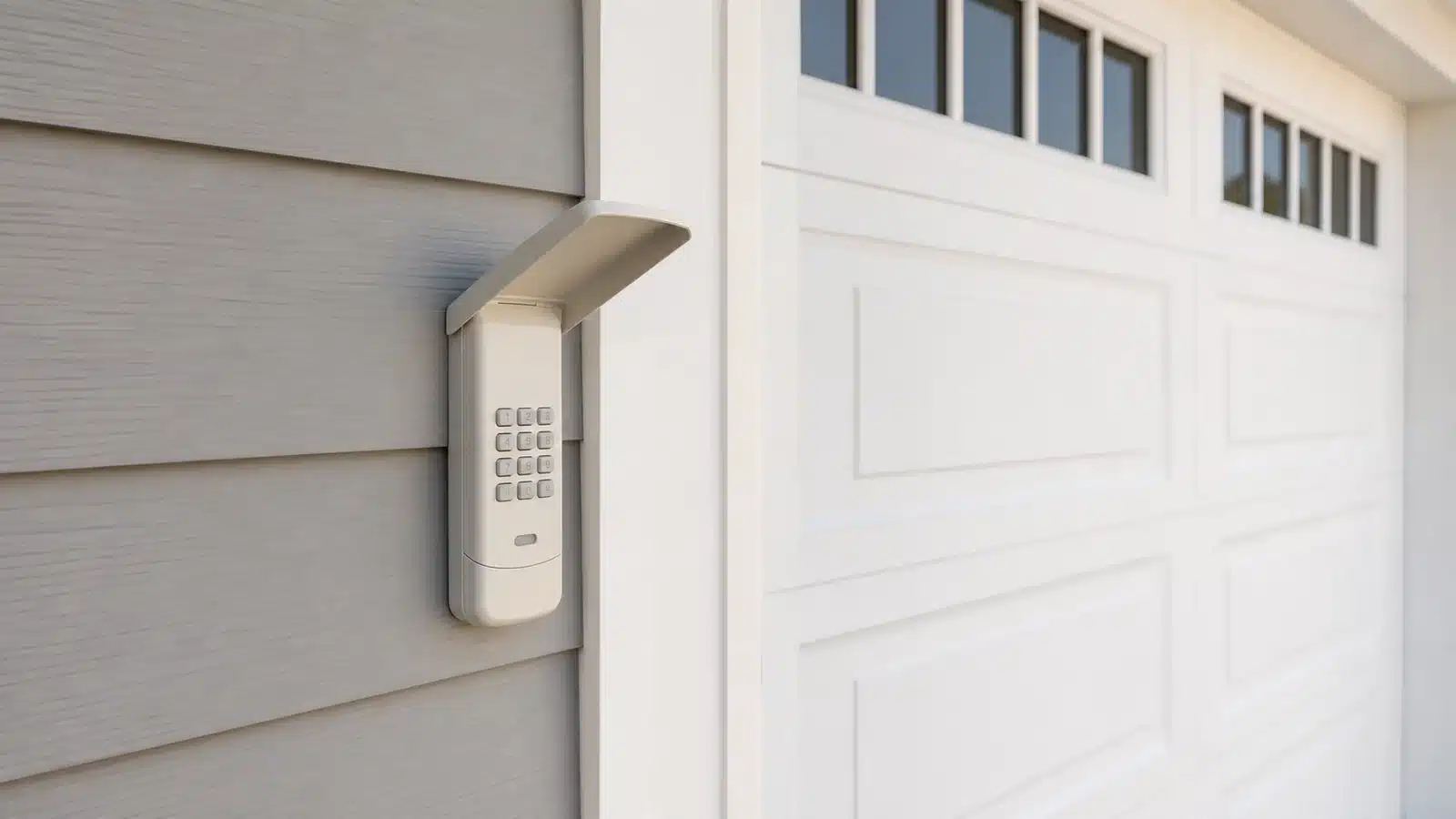
Garage-door keypad not working?
Separate battery, PIN, programming, lock-setting, interference and receiver problems before replacing the keypad.
Diagnose the keypad → Keypad buying guide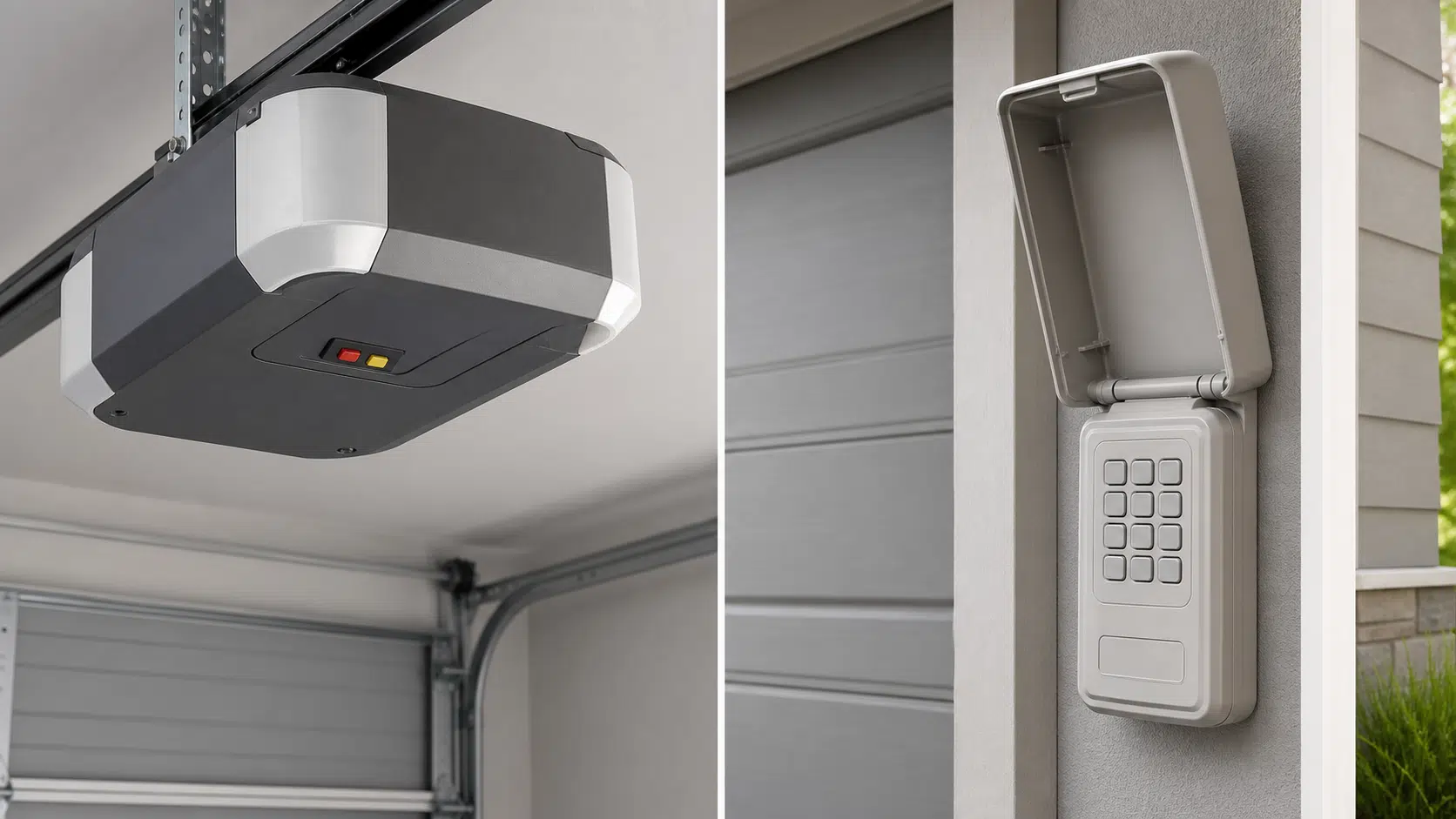
Best garage-door keypads
Match the opener brand, complete model, and LEARN-button generation before comparing wireless keypad features and bundles.
Compare compatible keypads → Compatibility guide
Security+ 3.0 white LEARN button
Identify the white-button generation, verify the opener model and accessory support, and avoid assuming older Security+ controls will work.
Check Security+ 3.0 compatibility → Compatibility chart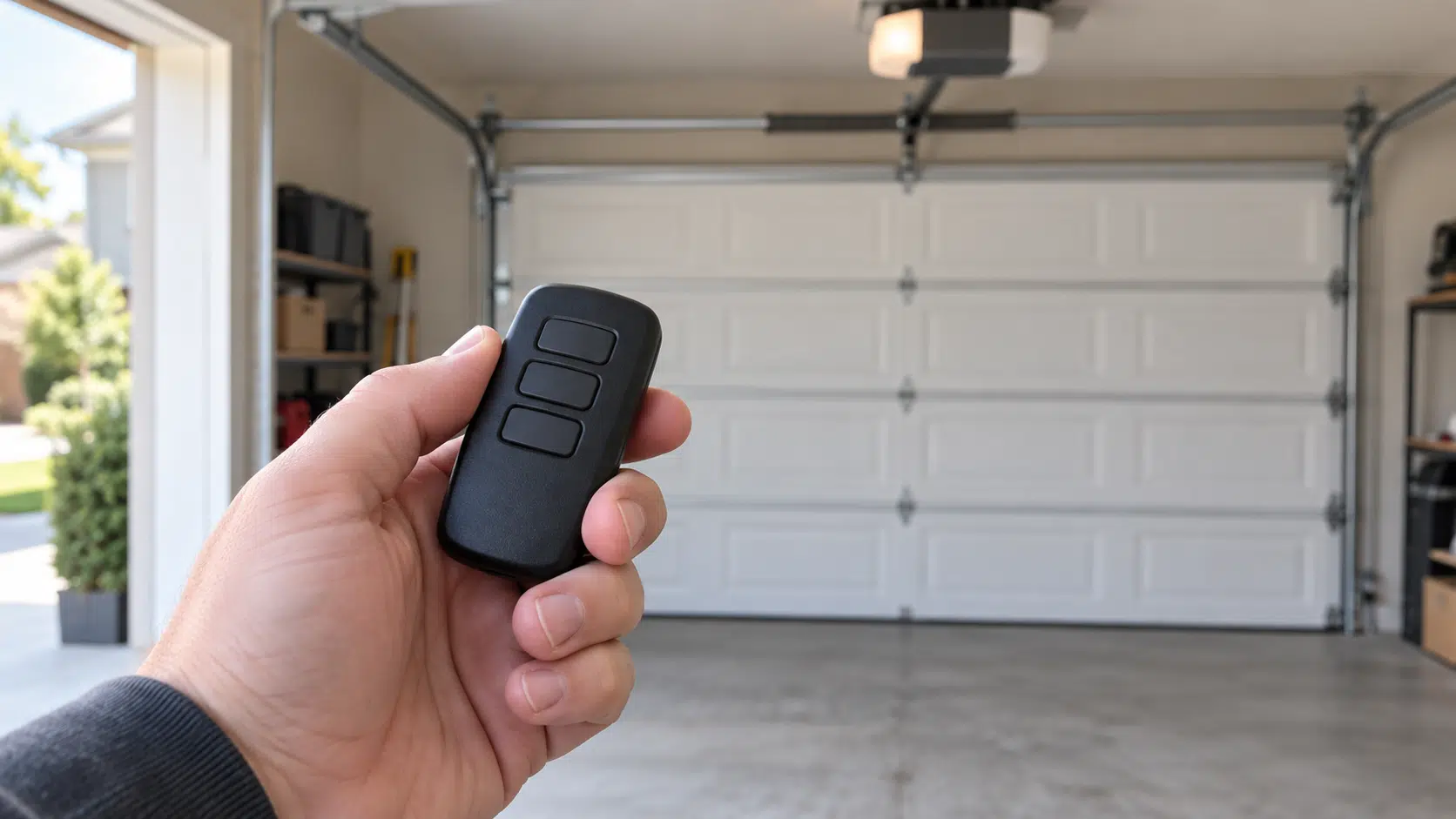
Craftsman remote compatibility
Match DIP switches, learn-button colors, logic-board clues, and complete model numbers to the correct remote generation.
Open the compatibility guide → Remote comparison
LiftMaster L993M vs 893MAX
Compare white- and green-button compatibility, older opener exceptions, and whether a working remote needs replacing.
Choose the right remote → Remote guide
Are garage-door openers universal?
Understand what “universal” really means and which identifiers must agree before a replacement remote can work.
Compare remote compatibility → Smart control buying guide
Best smart garage-door controllers
Compare Meross, Tailwind, myQ, Genie and Konnected by opener compatibility, smart-home support, door count and local control.
Find a compatible controller → Genie model comparison
Genie ALKT2-R vs ALKT1-R
Compare the newer single-door wireless kit with the older wired controller, including compatibility, sensors and upgrade decisions.
Choose the right Aladdin Connect kit → Smart-home compatibility
Matter garage-door openers: what works?
Compare current controllers, check how they appear in your app, and separate Matter certification from native garage-door controls.
Check Matter garage compatibility → Vehicle compatibility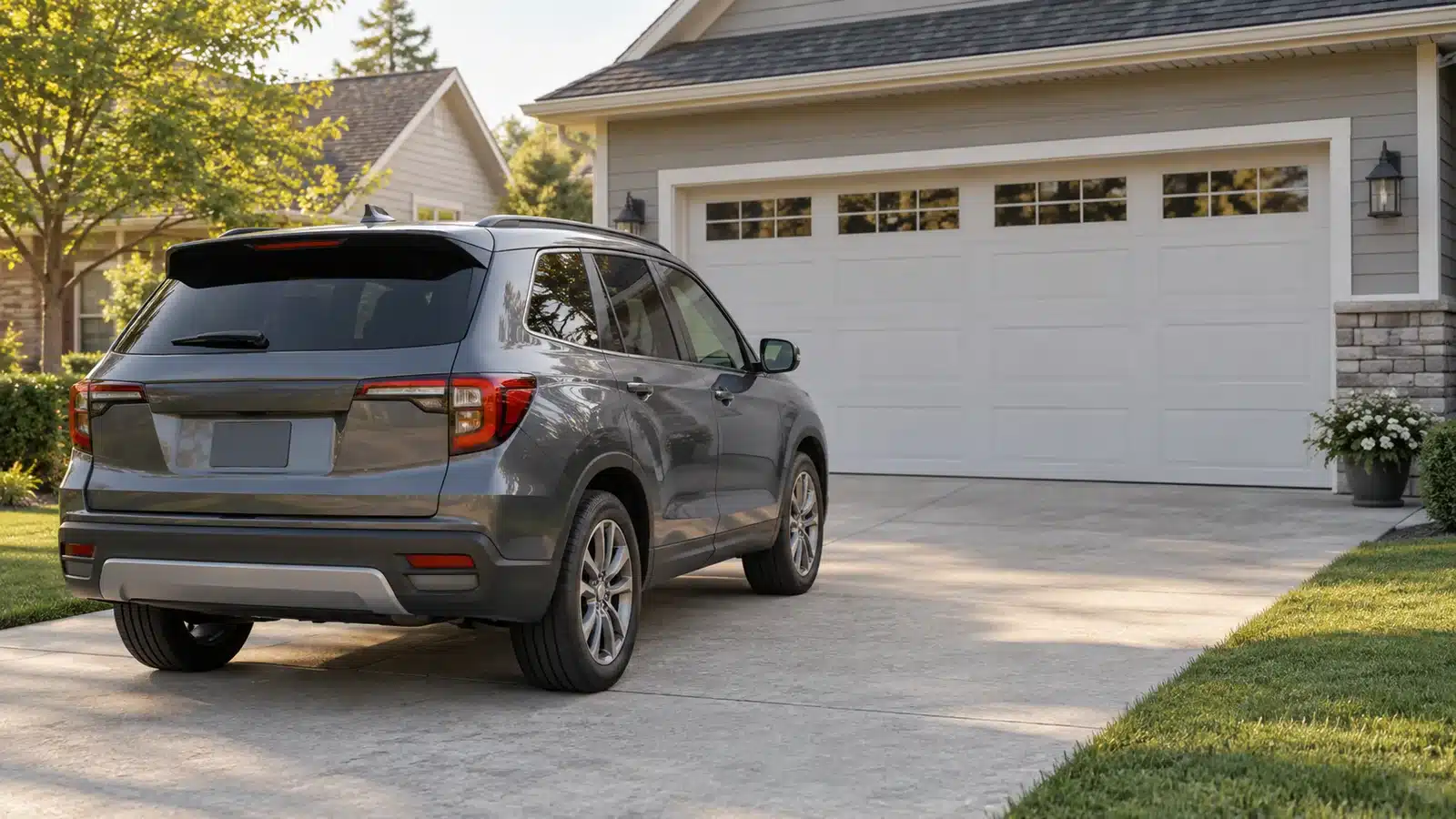
2026 Honda Passport: HomeLink & myQ
Check the mirror equipment, compare HomeLink and HondaLink/myQ, and choose a compatible way to control your garage door.
Compare Passport garage controls → Programming
Erase opener codes from a car
Clear stored HomeLink-style controls before selling a vehicle, changing access, or starting a clean reprogramming process.
Follow the reset steps →Access & security
Start here when you are locked out or need to decide whether the safest next step is a designed emergency release, a locksmith, or a garage-door professional.
Regaining legitimate access and removing old access are different jobs. A power outage may call for a manufacturer-designed exterior release or another normal entry door. A missing remote or transferred vehicle calls for removing stored credentials and reprogramming the controls you still possess. Avoid improvised methods that damage the door or defeat its security.
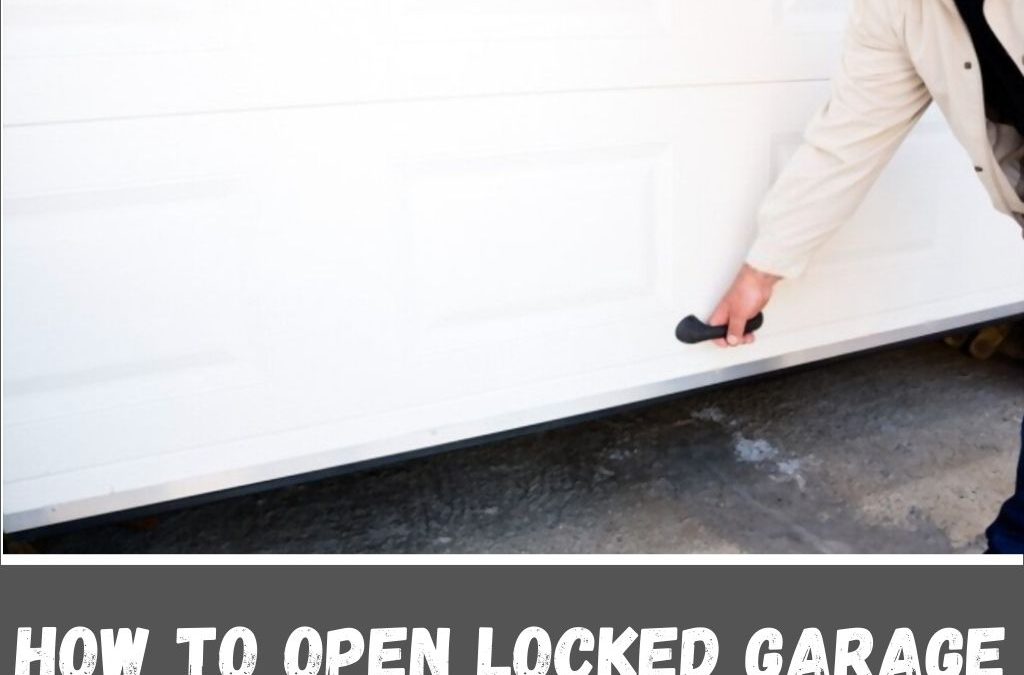
Open a locked garage safely
Review legitimate access options without damaging the door, defeating security, or creating a dangerous release situation.
Review safe access options → Garage opening
Help a hummingbird leave the garage
Use light, open exits, and a calm sequence to guide a trapped bird out without chasing or handling it.
See the humane exit method →Doors & drive systems
Compare the parts that shape noise, appearance, daylight, and long-term satisfaction before choosing an opener or door style.
For an attached garage, noise and vibration may matter more than they do in a detached building. Door weight, height, track layout, ceiling clearance, available power, battery-backup needs, and local installation requirements should be established before selecting features. Windows add daylight and character, but their height, glazing, privacy, and solar exposure also affect how the garage feels.
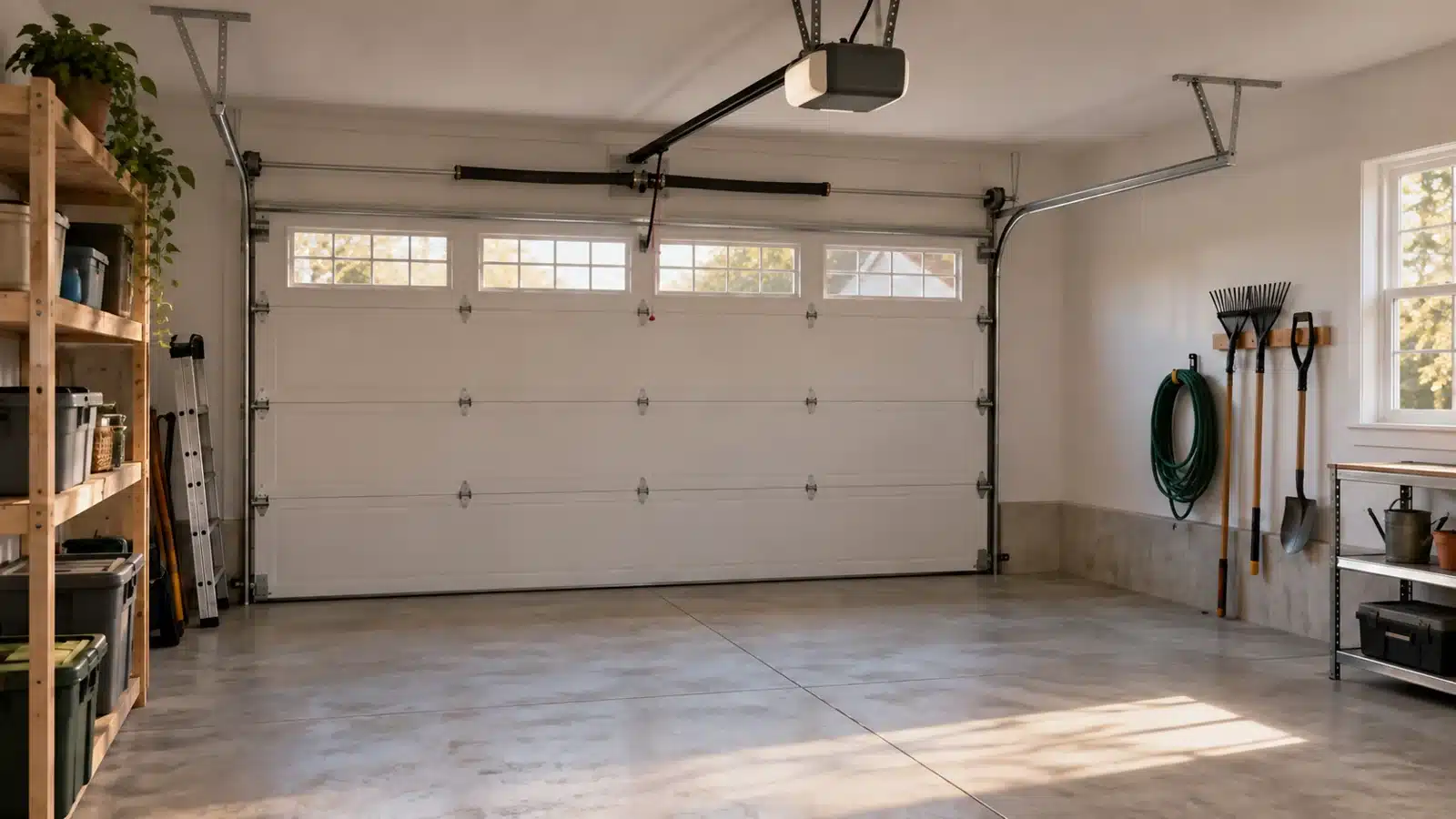
Chamberlain B6630 vs B6650 vs B6830 vs B6850
Compare lighting, bundled keypads and complete cost, then check Security+ 3.0 accessory and vehicle compatibility.
Choose the right Chamberlain bundle → Model comparison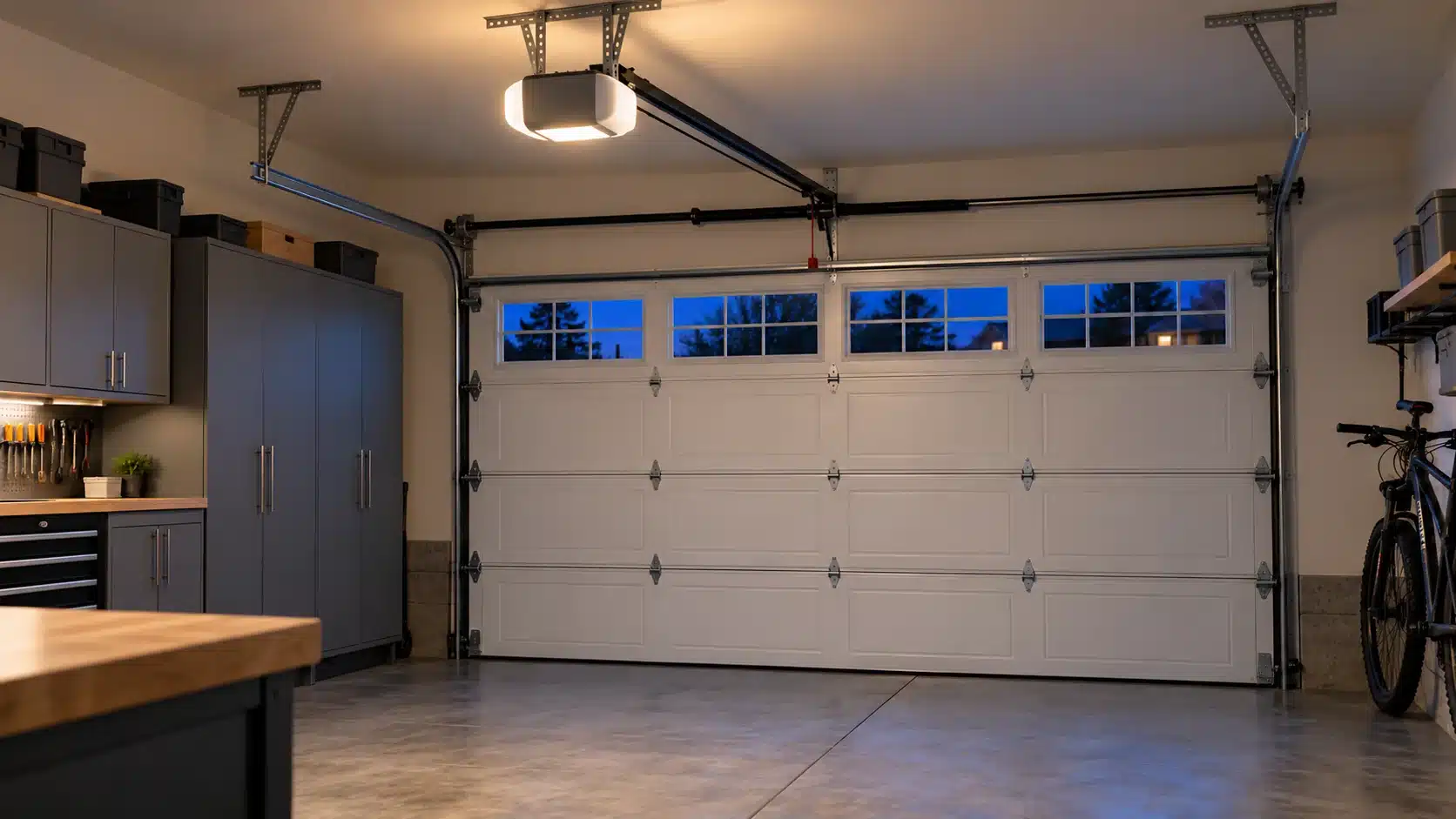
LiftMaster 6690L vs 6580L
Compare lighting, included remotes and keypad, warranty coverage, and the complete installed price.
Compare the two LiftMaster packages → Opener selection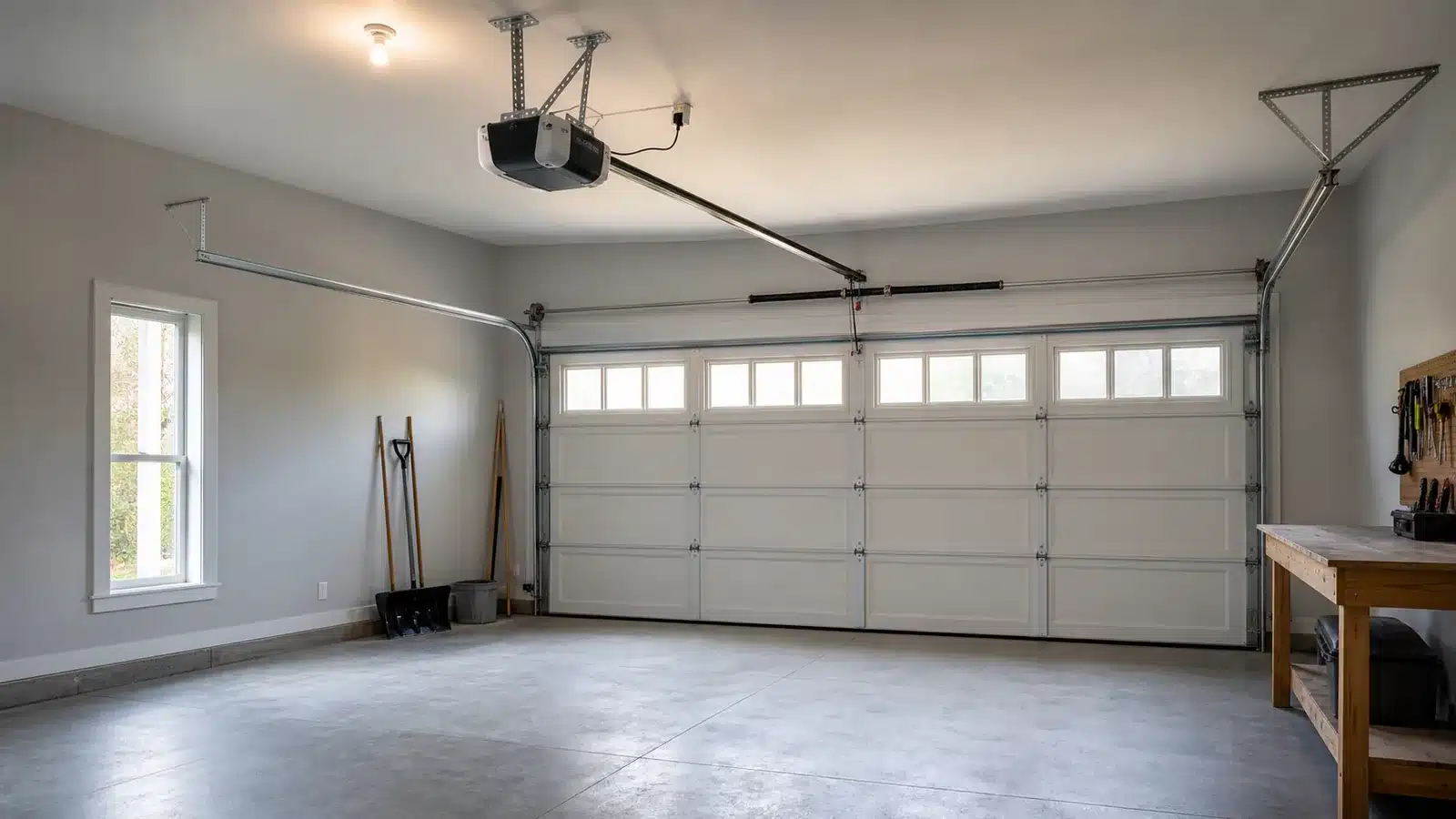
Garage-door-opener horsepower
Choose a power tier by door type, size, balance, height, use, and verified model limits—not width alone.
Choose the right power tier → Drive comparison
Belt-drive opener drawbacks
Balance quiet operation against price, rail requirements, maintenance considerations, and situations where another drive may fit better.
Compare belt-drive trade-offs → Model comparison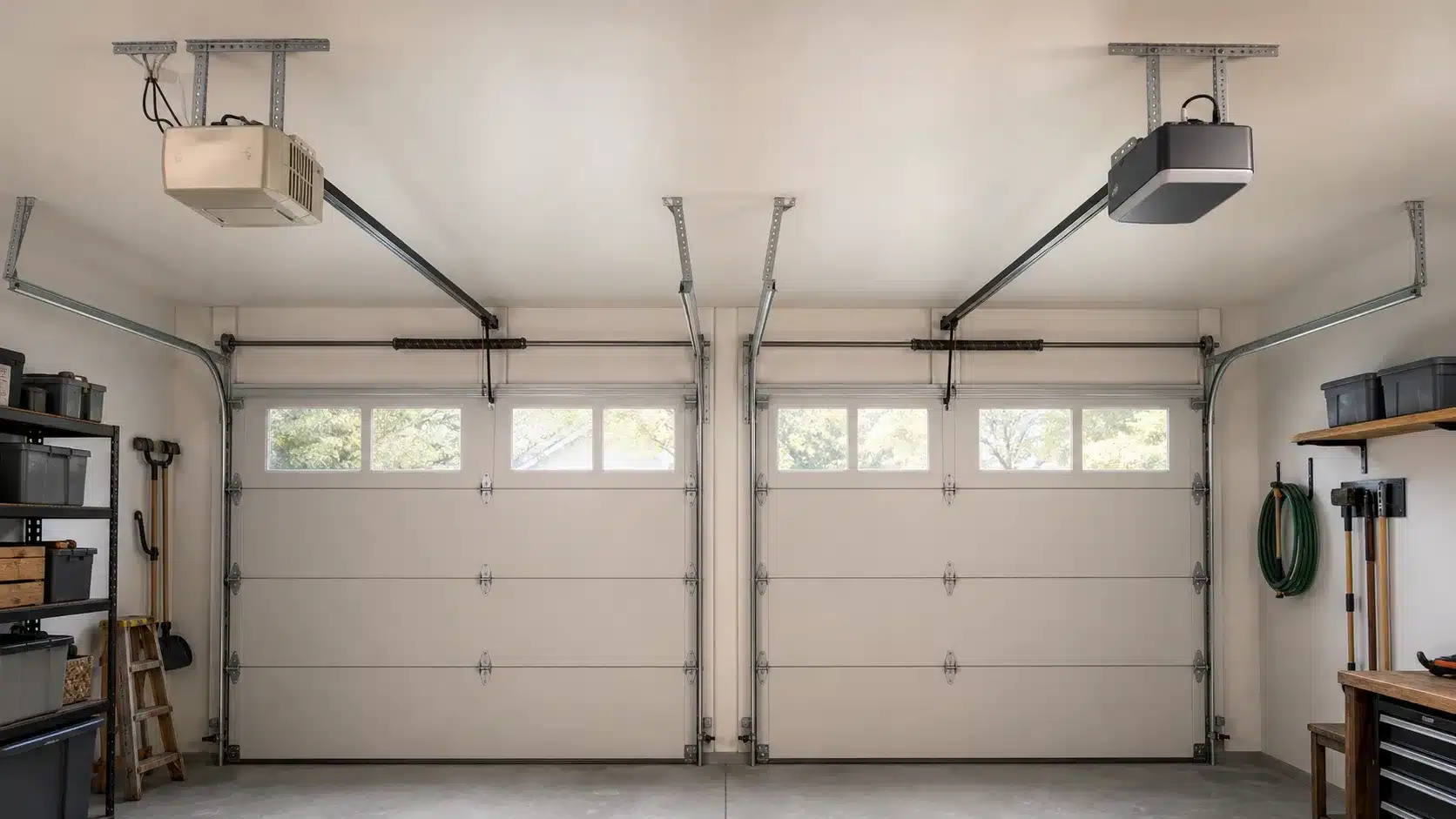
Genie StealthDrive 750: 7055 vs. 7155
Decide whether to keep, retrofit, or replace a 7055 by comparing support, smart control, door limits, and exact package details.
Compare the Genie models → Door design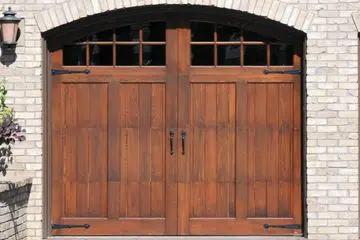
Garage-door styles with windows
Compare traditional, carriage, contemporary, colonial, prairie, and craftsman combinations with practical window choices.
Browse door and window styles →When to stop troubleshooting
Do not adjust or remove springs, lift cables, bottom brackets, or other components under stored tension. Stop operating a door that is crooked, off its track, unusually heavy, visibly damaged, or moving unpredictably. Close the area to people and vehicles and have a qualified garage-door professional inspect it.