Choose the right Aladdin Connect generation
New ALKT2-R or older ALKT1-R: which fits your garage?
The biggest changes are how the controller connects and how many doors it serves. A newer model is not automatically a better replacement for an existing multi-door setup.
Quick answer: Choose the Genie ALKT2-R for a new, single-door installation after confirming opener compatibility. The older ALKT1-R connects to the opener with control wires and can serve up to three doors with additional sensors. If your ALKT1-R already works well, the newer kit alone is not a reason to replace it—especially if you control two or three doors.
This Genie ALKT2-R vs ALKT1-R comparison is based on manufacturer instructions, compatibility charts and product specifications, not a hands-on test. Both are add-on controllers for an existing opener; neither replaces the motor or repairs a door that will not close safely. For other brands and app choices, see our smart garage-door controller buying guide.
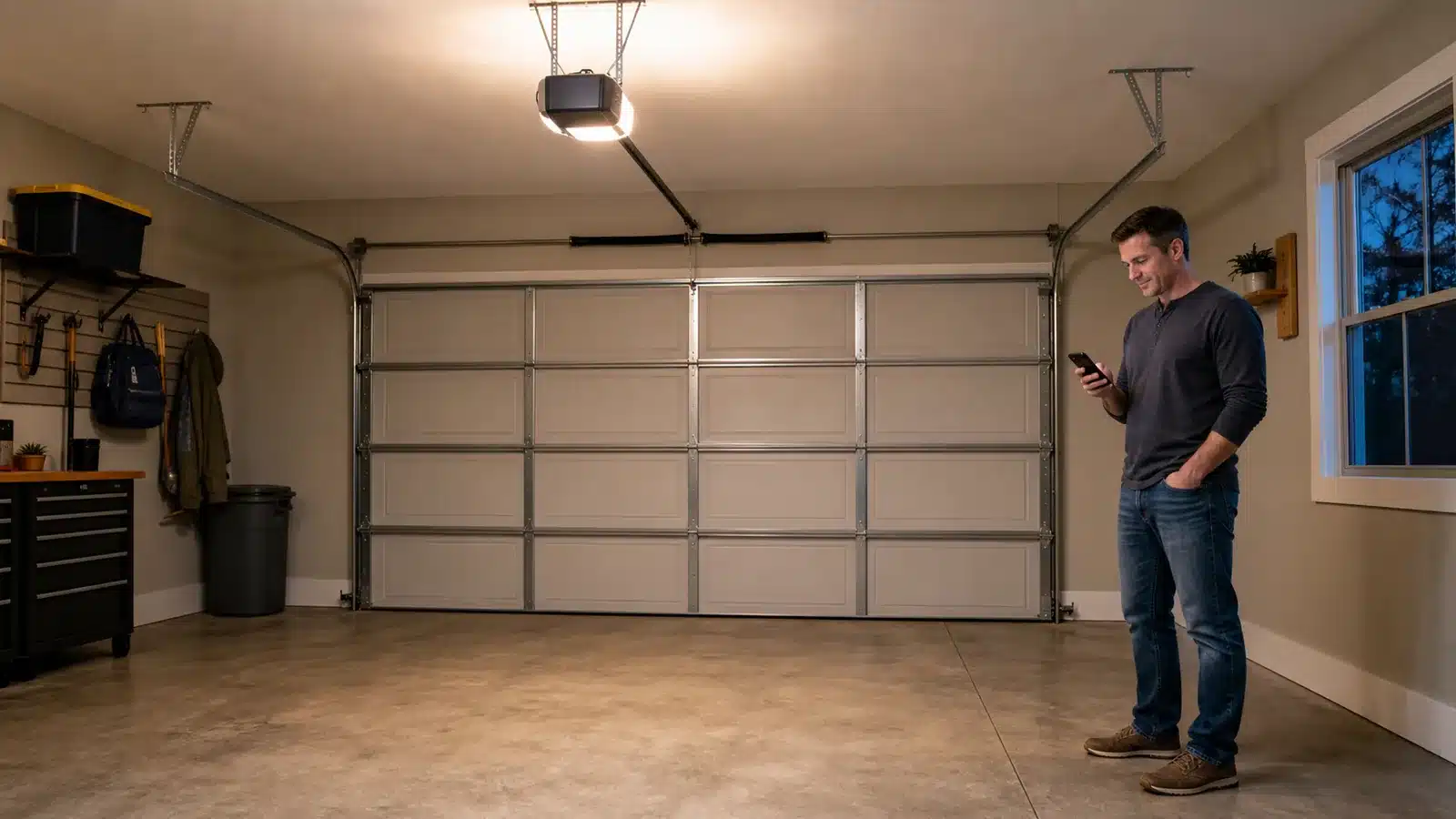
ALKT2-R
One kit · one door
For another door, plan another compatible kit.
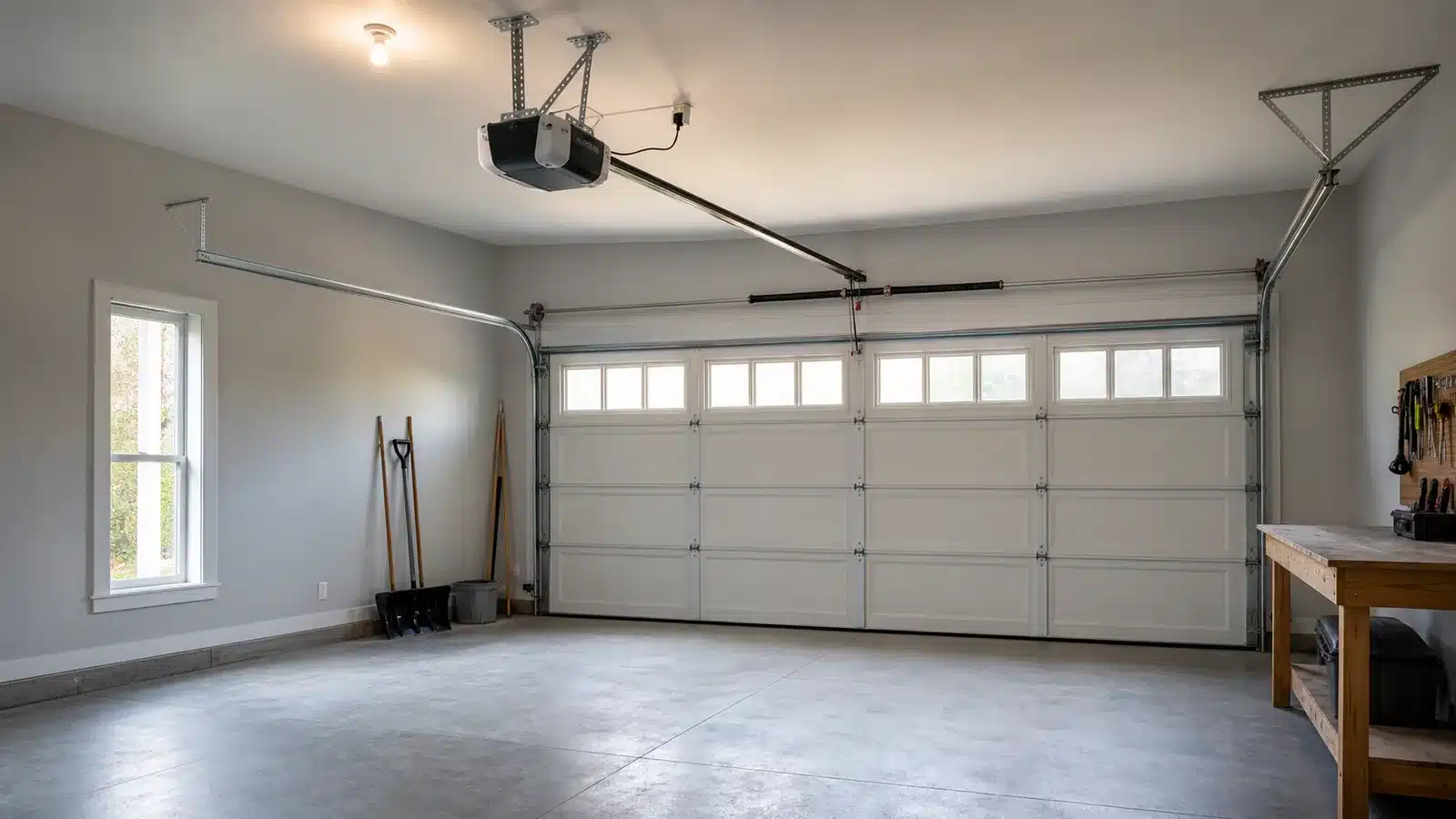
ALKT1-R
One module · up to three doors
Each additional door needs its own sensor and control-wire connection.
ALKT2-R vs ALKT1-R at a glance
| What matters | ALKT2-R: newer single-door kit | ALKT1-R: older wired kit |
|---|---|---|
| Doors per controller | One door. Plan a separate kit for each additional door. | Up to three compatible doors; one door-position sensor is included. |
| Connection to the opener | Wireless setup with a powered control hub; follow the matching app instructions. | Control wires run from the module to each compatible opener or approved wall-control connection. |
| Door-position sensor | Use the sensor supplied for this generation. Do not assume older sensors can be reused. | Wireless sensor on each door. Additional ALDPS-R sensors are sold separately. |
| Yellow Security+ 2.0 | Listed on Genie’s single-door wireless compatibility chart. Check the exact opener. | Excluded by Genie’s legacy wired compatibility chart. |
| White Security+ 3.0 | Not listed on the single-door chart; get explicit Genie confirmation before buying. | Do not treat the older kit as a workaround for an unsupported newer opener. |
| Best reason to choose it | Adding app control to one compatible door with the newer wireless installation. | Keeping or expanding an existing, working multi-door installation. |
Use Genie’s separate single-door wireless compatibility chart and legacy three-door wired chart. The restrictions are different; an older “Aladdin Connect is not compatible” answer may describe a different kit.
What changed with the ALKT2-R?
1. The controller-to-opener connection is wireless
The ALKT2-R is sold as a single-door kit with wireless installation. Genie’s current setup guide covers a powered hub and a sensor mounted on the door, with programming completed in the app. The hub still needs a power outlet: “wireless” does not mean battery-powered or free of mounting work.
The ALKT1-R’s legacy installation guide shows control wiring from the module to the opener or a supported wired wall control. Its door-position sensor was already wireless. The change is not simply that the new kit has a wireless sensor.
ALKT2-R
Newer wireless installation
The hub still needs power. Use the matching app setup instructions.
ALKT1-R
Legacy wired installation
The older door-position sensor was already wireless.
2. One kit no longer means a path to three doors
The older module has Door 1, Door 2 and Door 3 connections. Its included sensor covers one door, and each additional door needs its own sensor and control-wire connection. The ALKT2-R is a one-door product. For a two-door garage, compare the cost and installation of two new kits with maintaining a compatible legacy installation.
Count doors, not parking spaces. One wide sectional door serving a two-car garage is still one door. Two independently operated doors need two door-control paths.
3. Compatibility must be checked again
A working ALKT1-R proves that the older wired system suits that installation. It does not establish that every replacement kit, sensor or adapter will work. Photograph the opener’s model label and Learn button before shopping; do not buy from the Genie brand name alone.
Will it work with your garage-door opener?
Start with a sectional door and working safety sensors. Genie’s charts exclude one-piece doors, openers made before January 1, 1993, and openers without safety beams. A controller’s door-position sensor reports movement or position; it does not replace the photo eyes near the floor.
- Chamberlain, LiftMaster and Craftsman with yellow Security+ 2.0: Genie lists this protocol on the newer single-door wireless chart. The legacy wired chart excludes it. Do not apply the ALKT1-R restriction to the ALKT2-R without checking the newer documentation.
- White Learn button / Security+ 3.0: this newer system is not listed on the wireless chart. Ask Genie to confirm your exact model before ordering. Our white Learn-button guide explains how to identify it.
- Genie or Overhead Door Series III: both published charts include an adapter note naming part 38013R. Because the newer kit uses wireless installation, have Genie clarify the required setup for your exact opener; do not improvise a wiring connection from the older manual.
- Other brands: read the actual chart, including protocol notes. For example, Marantec appears in the legacy wired chart but is not listed in the newer wireless chart. That calls for confirmation, not an assumption that every older supported brand carries over.
If the opener already has working built-in Aladdin Connect, check its own app setup instructions before buying an external kit. If it will not close normally, resolve that fault first; our garage-door safety-sensor guide can help identify common photo-eye problems.
Which Genie product should you buy?

Genie Aladdin Connect ALKT2-R
Choose it for: adding Aladdin Connect app control to one compatible sectional garage door.
Check first: your opener’s exact model, the single-door wireless compatibility chart and a suitable powered hub location. This is the complete single-door kit.
Read the model on the offer you select. The Amazon kit above is ALKT2-R. Genie’s own single-door store page also identifies its current offering as ALKT2-R. Check the selected package and use the instructions supplied for the exact kit you order.

Genie ALDPS-R Door Position Sensor
Choose it for: replacing a compatible sensor or adding a second or third door to an existing ALKT1-R system, within its three-door limit.
Sensor only: this is not an ALKT1-R controller kit and cannot provide app control by itself. It is not an expansion option for the ALKT2-R single-door kit.
Older complete-kit links can now lead to a sensor-only listing. Before checking out, distinguish “ALKT1-R kit” from “ALDPS-R sensor,” and confirm the selected package includes the controller if you need one. Do not buy a spare sensor expecting it to upgrade an ordinary opener on its own.
Should you replace a working ALKT1-R?
Keep it if it reliably controls the doors you need. A newer model number alone does not justify replacing a functioning installation. This is especially true when one legacy module already serves two or three compatible doors.
Consider ALKT2-R when you are starting fresh or replacing failed equipment. Its one-door scope and wireless installation may suit a straightforward retrofit. Confirm the whole replacement combination first, and plan on using the new kit’s supplied sensor.
Diagnose connectivity trouble before replacing hardware. Poor Wi-Fi at the mounting location can undermine either installation. Genie’s setup guides call for checking the signal where the hub or module will sit. A new controller is not a guaranteed fix for weak garage coverage.
For setup, use Genie’s Aladdin Connect support hub and select the correct generation. The older wired instructions and current wireless instructions should not be mixed.
Frequently asked questions
Can I reuse an ALKT1-R door sensor with ALKT2-R?
Do not plan on it. Buy the ALKT2-R as a complete matched kit and use its supplied sensor. Genie explicitly excludes the older ALDPS-R from its current single-door store offering; that warning is another reason not to treat Aladdin Connect generations as interchangeable. Confirm the exact replacement sensor with Genie if yours fails.
Can ALKT2-R control two garage doors?
One kit is specified for one door. Plan a separate compatible kit for each door rather than buying an older ALDPS-R expansion sensor. The up-to-three-door arrangement belongs to the legacy ALKT1-R module.
Does ALKT2-R require a subscription?
The kit’s product information says no monthly fee or subscription is required for its core Aladdin Connect service. Separately offered partner services can have their own requirements. Check the exact service you want instead of assuming every integration is included.
Does the newer kit add Matter or Apple Home support?
Do not infer either from “Wi-Fi” or “smart garage.” Verify your intended platform against Genie’s supported smart-home partners and the exact kit’s instructions. If Matter is the feature you need, our Matter garage-door controller guide explains the separate compatibility questions.