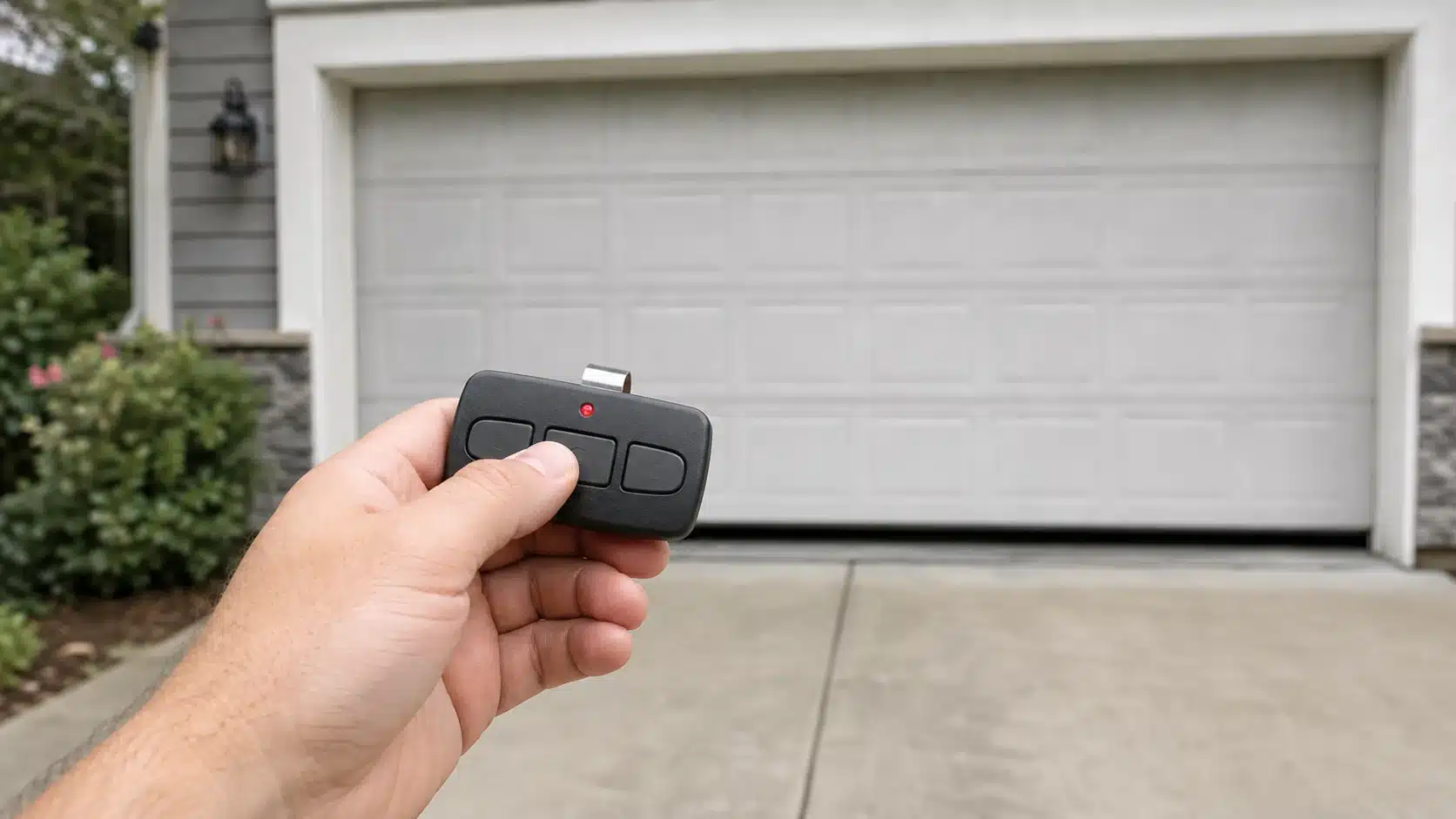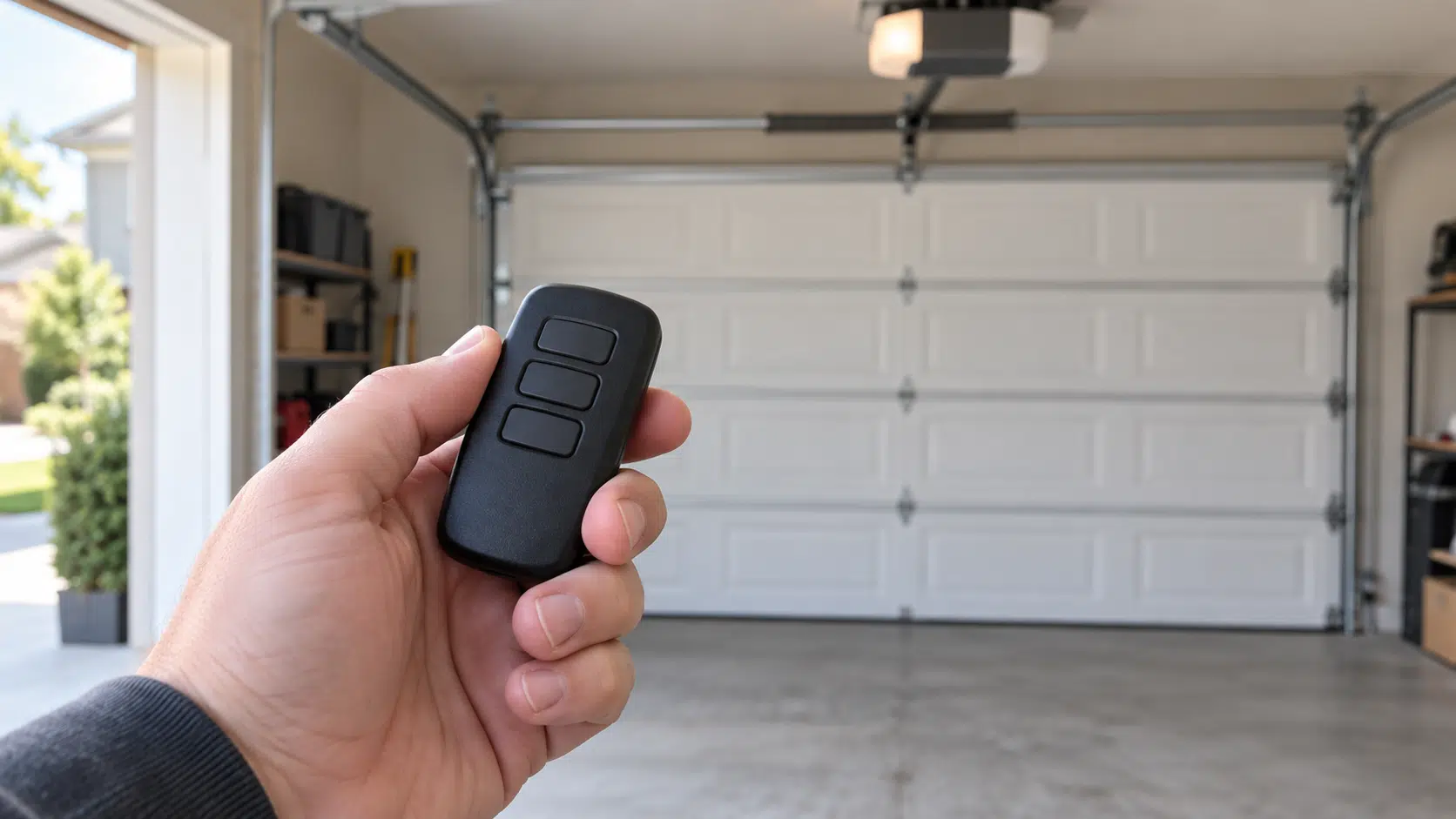
Choose a remote that fits your opener
Will the newer L993M replace your 893MAX?
Start with the opener’s Learn button and full model number. The newer remote adds white-button support, but it leaves an important older generation behind.
Quick answer: Choose the LiftMaster L993M for a compatible white-button Security+ 3.0 opener, or as a replacement for supported yellow, purple/brown and red/orange Chamberlain-family openers. The older 893MAX also covers green-button openers, which L993M does not list. An 893MAX will not replace an L993M on a white-button opener. If your existing 893MAX works with your current door, you can keep using it.
This LiftMaster L993M vs 893MAX comparison is based on manufacturer manuals and compatibility information. We have not performed range, reliability or installation-time tests. The advice below concerns compatible Chamberlain, LiftMaster and Craftsman systems; a similar button color on another brand is not proof of a match.
L993M vs 893MAX compatibility at a glance
| What to check | L993M: newer MAX remote | 893MAX: older MAX remote |
|---|---|---|
| White Learn button / Security+ 3.0 | Listed. This is the clear reason to choose L993M over 893MAX. | Not listed for white-button Security+ 3.0. |
| Yellow Learn button / Security+ 2.0 | Listed for the yellow-button families in the current support chart. | Legacy yellow-button coverage is listed. Match the exact remote and opener; see the MC-suffix note below. |
| Purple/brown or red/orange Learn button | Listed for the supported Chamberlain-family openers. | Listed for the supported Chamberlain-family openers. |
| Green Learn button / older Billion Code | Not listed. Do not buy it for this older generation. | Listed. A key difference for an older opener. |
| Separate devices per remote | Up to three, with each button programmed separately. | Up to three compatible devices. |
| Battery for these three-button models | One 3V CR2032 coin cell. | One 3V CR2032 coin cell. |
| Programming approach | Different paths for white versus older supported button colors; optional myQ setup on supported openers. | Uses its own remote Program button and a Learn-button-specific setup sequence. |
The starting points are LiftMaster’s current remote compatibility chart, L993M specifications and 893MAX specifications. Read the model label as well as the button color. If a receiver or logic board was replaced, identify that installed part instead of relying on the opener’s age.
White Learn button
L993M is listed. The older 893MAX does not cover Security+ 3.0.
Yellow, purple or red
Check the exact model. L993M covers the listed families; legacy MAX versions need their matching chart.
Green Learn button
Keep the older generation in mind. 893MAX lists green-button coverage; L993M does not.
Should you replace a working 893MAX?
Keep it if it already does what you need. A newer remote does not repair an opener, quiet a noisy door or change an older receiver into Security+ 3.0. For an existing compatible opener, replacing a reliable 893MAX simply because a newer model exists may add little value.
Choose L993M when your replacement opener has a white Learn button. This is where the old remote’s limits matter. A remote that worked with the previous motor may be the wrong accessory for its replacement. For the wider generation change, see our Security+ 3.0 white Learn-button guide.
Check every opener in a mixed-age garage. One L993M can serve up to three compatible devices, but that does not make a green-button opener compatible. If you have one white-button opener and one green-button opener, these two remotes do not offer the same coverage. Keep a suitable separate control or ask LiftMaster for a currently supported remote that explicitly covers both exact models.
Before blaming the remote, test the wall control and another paired transmitter. A dead battery, an active remote-lock setting, interference or an opener fault can make a good remote appear incompatible. Our remote-not-working troubleshooting guide helps separate those problems before you buy.
Why a new wall-mount opener might include L993M
LiftMaster’s revised residential jackshaft product bulletin placed the L993M-for-893MAX pack-in transition for 98022MC and 98032MC in March 2026. The bulletin says the operator model numbers and Security+ 2.0 accessory compatibility stay the same during that change.
That means the remote in the box does not identify the opener’s radio generation by itself. Check the motor’s label and Learn button. Receiving an L993M with one of those wall-mount operators is not proof that the operator has become Security+ 3.0.
Does L993M need myQ or Wi-Fi?
The handheld remote has direct programming methods in the L993M product manual; you do not need to buy a separate smart-garage controller simply to use it with a supported opener. App-based setup and management are additional options for compatible equipment.
The manual describes myQ setup for supported white- and yellow-button openers connected to the app. LiftMaster’s product-page footnote names yellow-button openers. If remote naming, notifications or access history is your reason for buying, confirm those features for your exact opener with LiftMaster before ordering.
Do not confuse the remote’s radio connection with control from a phone while away. Those are separate functions with their own requirements. For cross-brand app-control choices, use our smart garage-door controller comparison.
Use the programming instructions for the remote you own
The 893MAX has its own Program button and a sequence that depends on the opener’s Learn-button color. L993M uses different procedures, including separate instructions for white-button openers and the older supported colors. A familiar-looking case is not a reason to reuse an old sequence.
- Use the L993M manual for the newer remote and the 893MAX instructions for the older one.
- Program each remote button separately to its intended device. Keep the door area clear and in view, because programming can move the door.
- Follow the specified press-and-release steps on the opener. Do not hold its Learn button as a trial-and-error reset; LiftMaster explains that holding Learn can erase paired controls.
- If an L993M button was previously used with a different Learn-button color, check the manual’s troubleshooting note before repeating setup.
Which remote should you buy?
For a compatible newer opener: start with the LiftMaster L993M product page or a LiftMaster dealer. Match L993M on the item and packaging. L993S, 893LM and 893MAX are different models; a seller’s replacement list does not make them interchangeable.
For a compatible older opener, especially a green-button unit: an original 893MAX can still be a useful choice. LiftMaster places it among its legacy supported models. Check the exact item, condition, seller and return terms rather than buying a generic remote solely because “893MAX” appears in its title.
As an Amazon Associate, Garage Results earns from qualifying purchases. This does not change the price you pay.

LiftMaster 893MAX — single remote
Consider this model when its documented green, red/orange, purple or legacy yellow-button coverage matches your opener. Check the full model and any MC suffix before purchase.
Skip it for a white Learn button. This is the older MAX remote, not an L993M or a Security+ 3.0 replacement.
If range is the problem, investigate interference and placement before paying for a different transmitter. LiftMaster advertises a conditional maximum range for L993M; it is not a measured guarantee for your driveway. Compare the total price, delivery and return terms only after confirming fit.
Frequently asked questions
Does L993M work with a green Learn button?
Green-button Billion Code is absent from L993M’s listed coverage. The older 893MAX does list it. Choose a remote explicitly supported for that exact green-button opener, rather than assuming the newer MAX remote covers all older models.
Can 893MAX replace L993M on a white-button opener?
No. The 893MAX’s published protocol list does not include white-button Security+ 3.0. Use a remote listed for the opener’s exact generation, such as L993M where applicable.
Will L993M work with a Craftsman opener?
It covers supported Chamberlain-built Craftsman models, but the manual excludes Craftsman Series 100. Check the full model label and our Craftsman remote compatibility chart rather than using the Craftsman name alone.
Is L993M a reason to replace the opener itself?
A remote replacement and a motor replacement are separate decisions. Keep a safe, reliable opener when a supported remote meets your needs. A new transmitter does not upgrade the opener’s radio protocol or correct a mechanical door problem.