
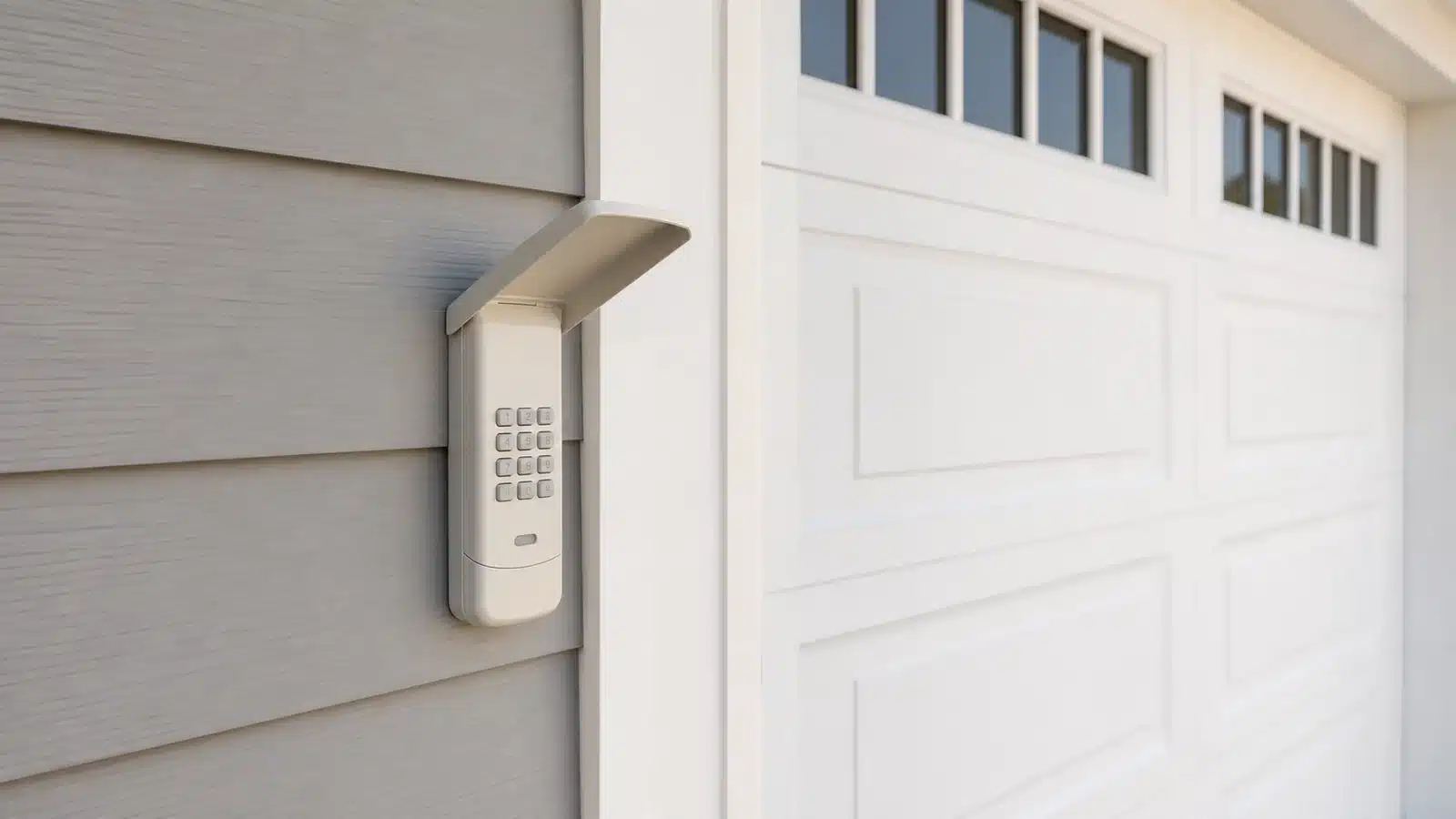
Start with the controls that still work
A keypad problem can usually be separated from an opener or door problem
Garage door keypad not working? Test the wired wall control first, then a handheld remote. If both operate the door normally, focus on the keypad battery, PIN, buttons and programming. If every wireless control fails while the wall control works, check the opener’s model-specific lock setting and interference before assuming the keypad is bad.
Quick answer: A keypad with no lights needs a model-specific battery check first. A keypad that lights but does not operate the door may have a weak battery, an incorrect or expired PIN, a failed number button, lost programming, a model-specific lock setting or a communication problem. Do not hold the opener’s LEARN or PROGRAM button as a routine reset: on many systems, that erases every paired remote and keypad.
Match what the keypad is doing
No lights or response
Start at the keypad. Identify the model, install the specified fresh battery in the correct direction and inspect the compartment for loose contacts, corrosion or moisture.
It lights up, but the door does not move
Compare the other controls. Check the PIN, buttons, any applicable lock setting and model-specific programming before replacing anything.
The remote works, but the keypad does not
The opener can still receive a wireless command. Focus on the keypad itself, its PIN and its pairing to the opener.
Every wireless control fails
Look for a shared cause. A model-specific lock setting, radio interference or an opener-receiver problem can affect more than one device.
It works only sometimes or at close range
Treat it as a power or range symptom. Test a fresh battery, the mounting surface and possible radio interference.
The door starts moving, then reverses
The keypad transmitted its command. Diagnose the opener’s closing or safety-sensor indication instead of reprogramming the keypad.
A new keypad will not pair
Confirm compatibility before resetting anything. Match the keypad to the opener’s full model, control generation and current manufacturer instructions. The word universal does not mean every opener.
9 checks for a garage door keypad that is not working
Test the wired wall control
Stand where you can see the entire door and keep the opening clear. Operate the door from the hard-wired wall control. If it does not respond normally, confirm opener power and read the model’s status lights before concentrating on the keypad.
A keypad battery or PIN cannot fix a tripped breaker, unplugged opener, opener fault or mechanical door problem. If the wall control produces uneven, noisy or unsafe movement, stop here.
Try a known-working handheld remote
If the wall control works, try a remote already paired with the opener. A working remote shows that the opener is receiving at least one wireless control. That makes the keypad battery, keypad buttons, PIN and keypad programming the logical next checks.
If the remote and keypad both fail while the wall control works, look for the opener’s model-specific lock setting or a source of radio interference shared by the wireless controls. Our separate garage-door remote troubleshooting guide covers that branch in more depth.
Identify the keypad model before changing its battery
Look for the model number on the back, inside the battery compartment or under the removable cover. Then use the manual for that exact keypad. Battery type and access method vary even among products that look similar.
Install a fresh battery of the specified type and chemistry. Match the positive and negative markings, make sure the terminals sit firmly and check for water, white or green residue, rust, a loose connector or a cracked housing. Do not substitute a battery merely because it fits.
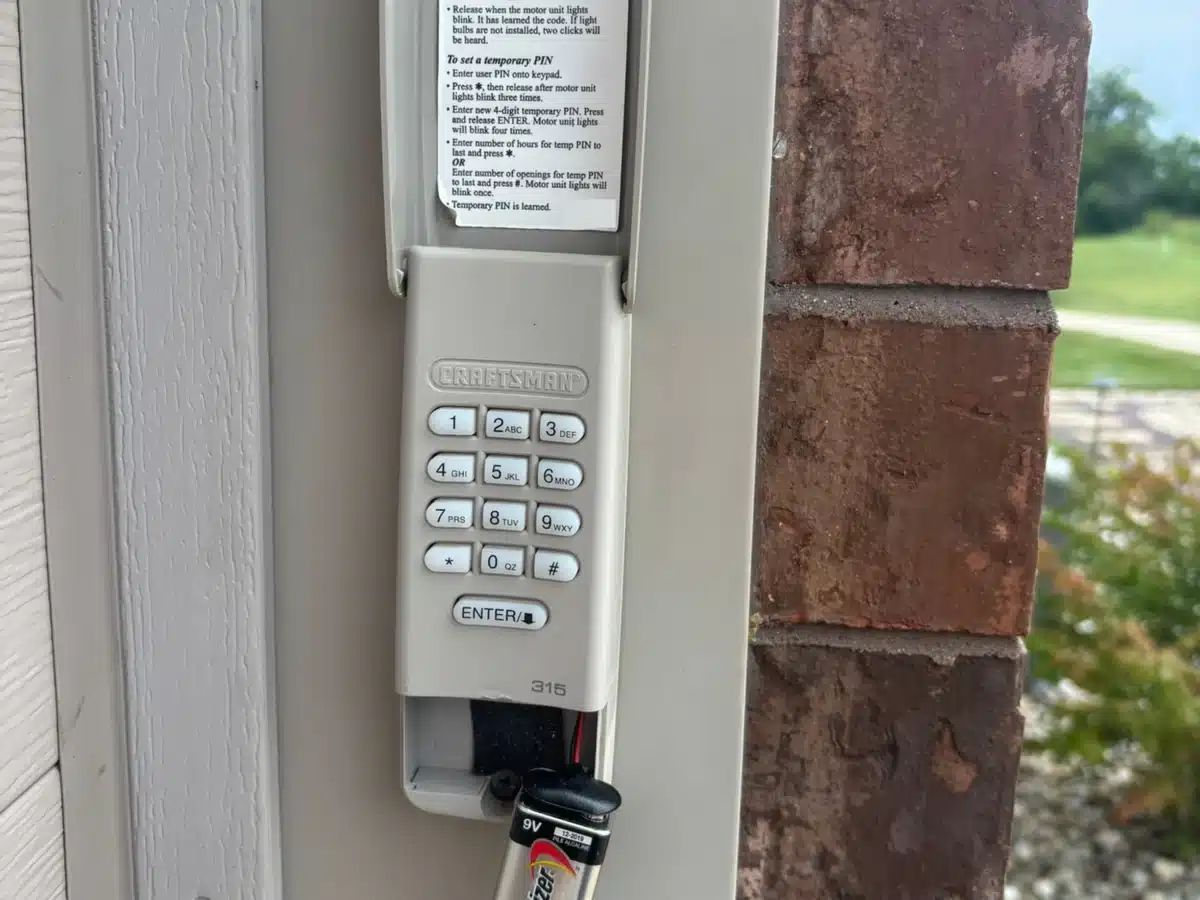
| Keypad example | Manufacturer battery guidance | What battery replacement does to programming |
|---|---|---|
| Chamberlain/LiftMaster 940EV, 877LM, 877MAX and 878MAX families | Chamberlain’s current battery instructions specify a high-quality 9V alkaline battery for these listed models. | Test the existing PIN after replacement; follow the exact keypad instructions if programming is still unsuccessful. |
| Genie GK, GK-R and GK-BX | Genie specifies two AAA batteries and recommends the same battery type and correct polarity. | Genie says the keypad retains its programming during battery replacement. |
| Overhead Door OKP-BX | Overhead Door specifies AAA batteries. | Overhead Door says programming is not lost when the batteries are replaced. |
| Other or older keypads | Read the model label and manual. Some products use a different voltage, cell format or access method. | Do not assume another brand’s reset or programming sequence applies. |
Check the PIN and individual number buttons
Enter the PIN deliberately and watch the keypad’s light or error indication. A light only proves that the keypad has some power; it does not prove that every button works or that the opener received the command.
If your model permits changing the PIN without erasing opener memory, try a PIN made from different digits. Chamberlain specifically recommends this test when one number button may have failed. Also consider whether someone changed the household PIN or whether a temporary guest PIN expired. On supported Chamberlain-family systems, an expired temporary PIN may still close the door but no longer open it.
Check the model-specific lock or vacation setting
Some openers can intentionally block wireless controls while leaving the hard-wired wall control active. Genie Sure-Lock explicitly locks out remotes, wireless keypads and wireless wall consoles on supported systems. Chamberlain and LiftMaster LOCK behavior varies by wall control and opener generation; some systems continue to allow the keyless-entry keypad while blocking handheld remotes.
Use the exact wall-control manual rather than holding a button based on a similar-looking online example. If the affected wireless controls begin working after the correct lock setting is disabled, the keypad did not need replacement or reprogramming.
Test the keypad away from its mounting surface
If the keypad has a fresh battery but works only occasionally, remove it from its mounting surface as its instructions allow and test from nearby while staying clear of the moving door. Chamberlain documents cases in which the mounting surface interferes with keypad communication.
If the keypad works reliably when held away from the wall, follow the manufacturer’s mounting guidance. Do not drill new holes or add improvised spacers where hidden electrical wiring, trim damage or water intrusion could result.
Check for radio interference
A keypad that works only close to the opener, at certain times or when the opener light is off may be fighting radio-frequency noise. Chamberlain warns that unsuitable LED bulbs can interfere with wireless controls. Genie lists possible sources including LED or CFL bulbs, security equipment, routers, vehicle accessories and other nearby electronics.
Think about what changed when the symptom began. From the same safe test location, compare operation with the opener light on and off. Temporarily switch off one nonessential suspect device at a time only when it is safe. Do not disable security, fire-protection or other life-safety equipment for this test.
Use the exact model-specific programming sequence
Find the complete opener and keypad model numbers before programming. Learn-button color helps identify many Chamberlain, LiftMaster and Craftsman control generations, but the full model label and current compatibility documentation are stronger evidence. Genie and Overhead Door use different PROGRAM/SET or LEARN CODE procedures depending on opener generation.
Clear the door area, use a stable ladder if the opener controls are overhead and follow the manufacturer’s timing exactly. Rapid blinking on supported Genie and Overhead Door keypads can indicate an incorrect PIN or programming error; wait for the indication to stop before retrying as directed.
Separate keypad failure from a receiver problem
If another paired remote works normally but the keypad still cannot be programmed after the correct battery, PIN and exact instructions are verified, the keypad is the stronger suspect. Weather damage, cracked plastic, failed buttons, corrosion or water inside the housing also supports replacement.
If every verified-compatible wireless device fails while the wired wall control works, the applicable lock setting is off and interference tests change nothing, the opener’s receiver or logic board may require diagnosis. Do not order a keypad as a guess when the evidence points to the opener side.
When replacing the keypad makes sense
- The keypad housing is cracked, warped or no longer protects the electronics from weather.
- The battery compartment or circuit board shows water damage or significant corrosion.
- One or more number buttons fail, and changing to a PIN that avoids those digits confirms the pattern.
- A fresh correct battery and exact programming procedure fail while another wireless control works normally.
- The manufacturer confirms that the keypad is incompatible with the opener or identifies a supported replacement.
Choose a replacement only after identifying the opener
Match the replacement keypad to the opener’s brand, complete model, approximate manufacture era and radio or security system. Verify the retailer’s exact keypad model rather than choosing by appearance.
When the diagnosis supports replacement, the buyer guide takes over from this troubleshooting page.
When to call for service
Professional opener diagnosis makes sense when all compatible wireless controls fail after the model-specific lock setting, interference and programming have been checked, or when the opener reports a persistent fault that its manual does not resolve.
Stop using the door and call a qualified garage-door technician when the wall control also produces abnormal movement, the door is crooked or unusually heavy, a cable or spring is damaged, or the opener repeatedly strains without moving the door safely. A keypad cannot correct a mechanical or counterbalance problem.
Frequently asked questions
Why does my garage door keypad light up but not open the door?
The light confirms that the keypad has some power, but the battery can still be weak and the keypad may have an incorrect PIN, failed button, lost pairing or communication problem. Test the wall control and remote, check any applicable lock setting, then follow the keypad’s exact programming instructions.
Why does the remote work but the garage door keypad does not?
A working remote shows that the opener can receive at least one wireless device. Focus on the keypad battery, polarity, PIN, individual buttons, weather damage and its pairing to the opener. Confirm that the keypad model is compatible before resetting anything.
Does changing the garage door keypad battery erase the PIN?
Not necessarily. Genie says its GK keypad retains programming during battery replacement, and Overhead Door says the OKP-BX does not lose programming when its batteries are changed. Check the manual for your exact model instead of assuming that every keypad must be reprogrammed.
Why is my keypad not working after I changed the battery?
Recheck the battery code, chemistry, polarity and terminal contact first. Then test the existing PIN and watch for the model’s error indication. If the keypad lights but still fails, compare the wall control and remote before using the exact model-specific programming sequence.
Can LED bulbs stop a garage door keypad from working?
Some LED and CFL bulbs can produce radio interference that reduces wireless-control range. Test from the same location with the opener light on and off, then compare the installed bulb with the opener manufacturer’s guidance.
How do I know whether the keypad or opener receiver is bad?
If another paired wireless remote works but the keypad does not, the keypad is the stronger suspect. If every compatible wireless control fails while the wired wall control works, investigate the model-specific lock setting, interference and the receiver side before buying another keypad.
Manufacturer sources used for this guide
Garage Results checked these keypad, battery, lock-setting, programming and interference instructions on August 17, 2026. Because keypad generations differ, the manual for the exact model should control the final procedure.
- Chamberlain: wall control works but keyless entry does not
- Chamberlain: change a wireless-keypad battery by model
- Chamberlain: opener light-bulb compatibility and radio interference
- Genie: GK, GK-R and GK-BX wireless-keypad support
- Genie: GUK universal wireless-keypad support
- Overhead Door: OKP-BX and OWK-BX programming and battery instructions
Related Garage Results guides
Looking for a different door or opener topic? Browse all Garage Door & Opener Guides.