Start with the symptom
Most remote failures can be narrowed down before you buy anything
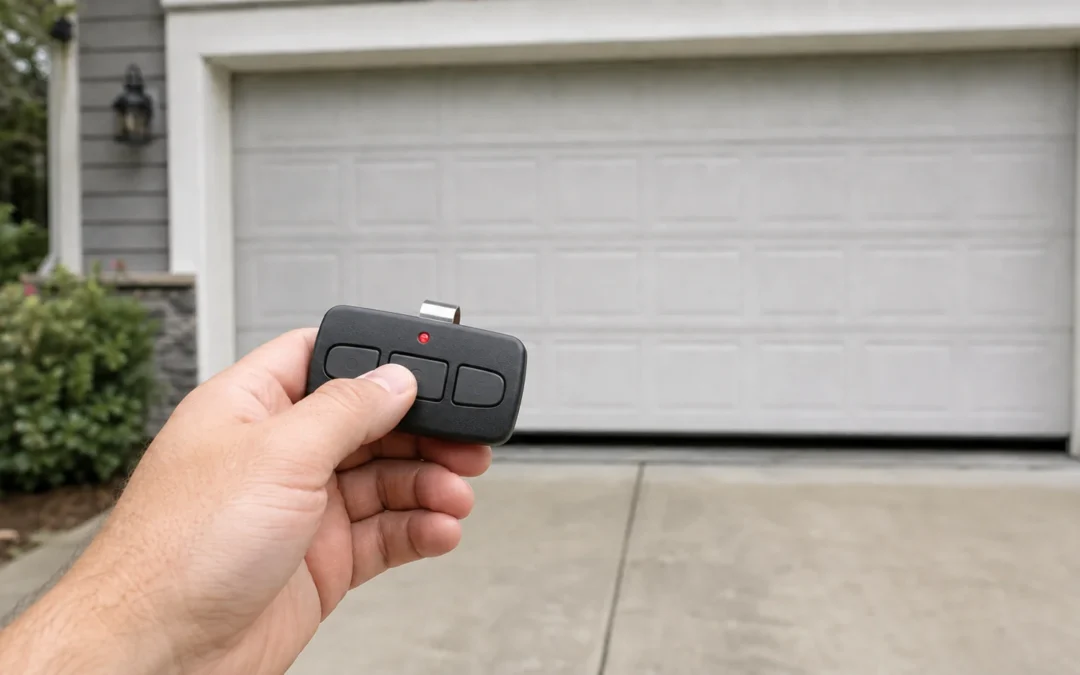
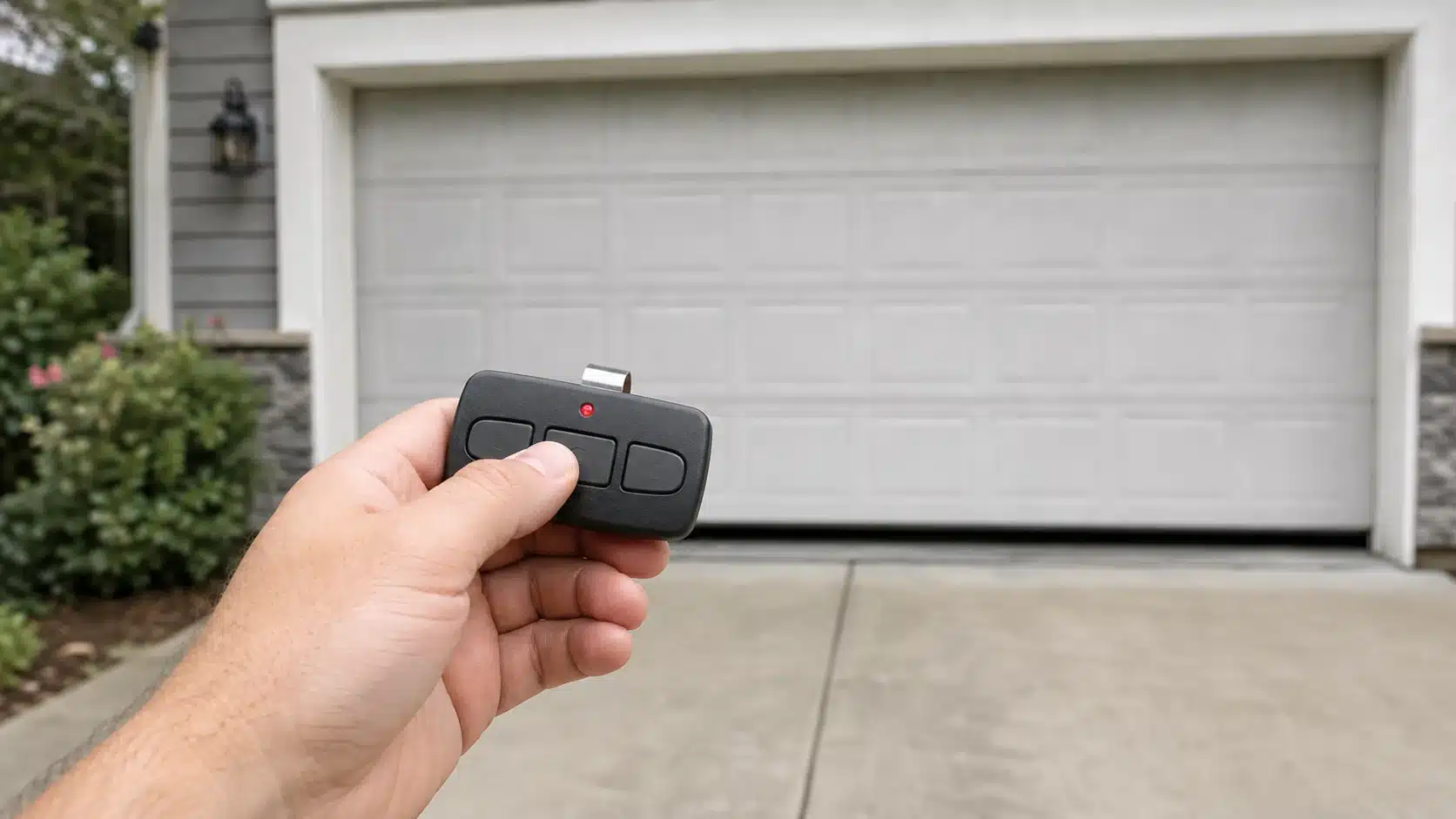
Garage door remote not working? First test the wired wall control. If the wall control operates the door normally, the door, opener motor and household power are probably not the immediate problem. Then compare one remote with every other wireless control. That split tells you whether to focus on one transmitter, the opener’s lock setting, radio interference, programming or the receiver.
Quick answer: If only one remote fails, start with its exact battery, polarity, contacts and programming. If every remote and wireless keypad fails while the wall control works, check lock or vacation mode and radio interference before blaming the receiver. Do not press and hold the opener’s Learn button unless you intend to erase every paired remote and keypad.
Choose the symptom that matches your garage
The wall control also fails
Not a remote-only problem. Check opener power and status lights. If the door is heavy, uneven, binding or noisy, stop operating it and have the door inspected.
One remote fails, but another works
Focus on that transmitter. Check its exact battery, orientation, contacts, physical damage and model-specific programming.
All remotes fail, but the wall control works
Look for a shared cause. Lock mode, radio-frequency interference or an opener receiver issue can disable more than one wireless control.
The remote works only up close
Treat it as a range problem. A weak battery, new light bulb or electronic device, antenna issue or local interference is more likely than lost programming.
A new remote will not pair
Verify compatibility first. Match the opener’s complete model and radio technology to the remote’s instructions. Learn-button color is a helpful clue on many Chamberlain-family openers, but the model label and current manufacturer documentation are stronger evidence.
9 checks for a garage door remote that is not working
Test the wired wall control first
Stand where you can see the entire door and keep people, pets and objects clear. Operate the door from the wired wall control. Normal movement from the wall button separates a wireless-control problem from many power, motor and door-mechanism problems.
If the wall control also does nothing, confirm that the opener has power and inspect its indicator lights using the manual for the exact model. A tripped breaker, unplugged opener or opener fault is not fixed by replacing the remote.
Identify whether one or every wireless control has failed
Try a second known-compatible remote and the wireless keypad, if available. One failed remote points toward that transmitter. Several wireless controls failing at the same time points toward a setting or condition shared at the opener.
This comparison is more useful than immediately pressing the Learn button because it preserves the evidence you need to diagnose the problem.
Replace the exact battery and inspect the contacts
Open the remote using its instructions and read the battery code before buying a replacement. Garage-door remotes do not all use the same battery. Install the correct chemistry and size with the positive and negative sides in the specified orientation.
Look for a loose contact, corrosion, residue from a leaking battery or a case that no longer keeps the battery firmly seated. Do not scrape, bend or clean electronics aggressively. If the board is corroded or the case is damaged, replacement is usually safer than an improvised repair.
Check lock or vacation mode at the wall control
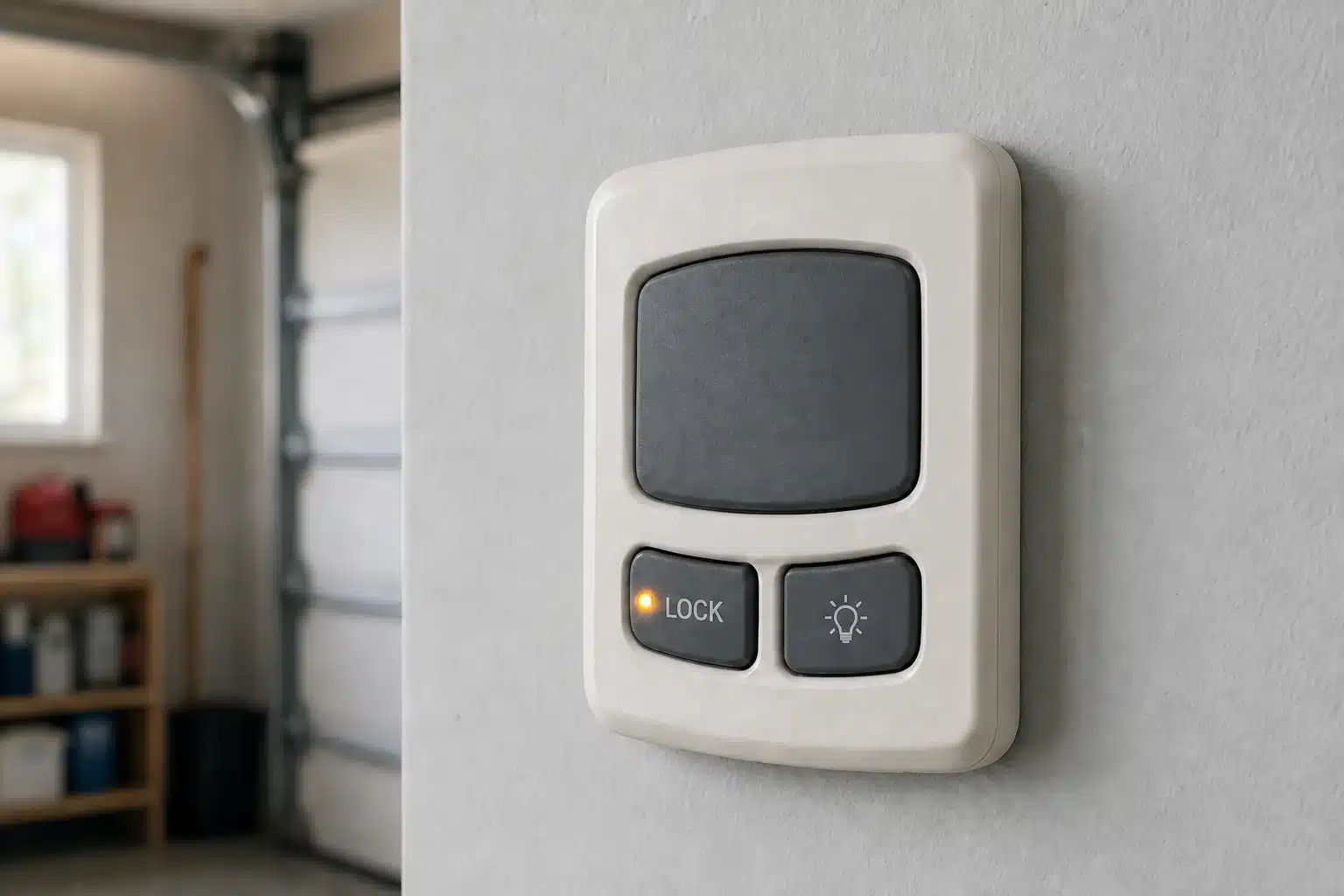
Many openers have a lock feature that blocks handheld remotes while leaving the wired wall control usable. Depending on the model, a wall-control LED may flash or the opener lights may respond when a locked-out remote is pressed.
Use the exact wall-control or opener manual to identify and disable the feature. Button names and hold times vary; do not assume that instructions for a similar-looking console apply to yours.
Test for interference when the opener lights are off
A remote that works from only a few feet away may be competing with radio-frequency noise. Genie identifies the 315–390 MHz range used by many garage controls as susceptible to interference, and Chamberlain documents cases in which incompatible LED or CFL bulbs reduce remote range while the opener lights are on.
Start by testing from the same safe location with the opener lights off. If the range returns only after the lights time out, follow the opener manufacturer’s bulb guidance. Chamberlain’s deeper test is to unplug the opener, remove its bulbs and restore power before retesting; do not confuse the opener bulbs with a separate garage work light. Use a stable ladder and keep clear of the door’s path.
Look for a new source of radio noise
Think about what changed just before the problem started: opener bulbs, shop lights, battery chargers, transformers, security equipment, networking gear or other electronics near the garage. Temporarily switch off or unplug one suspect device at a time only when it is safe to do so, then test the remote from a fixed location.
Do not disable safety, security or life-safety equipment for this experiment. If the interference source cannot be safely isolated, ask the opener manufacturer or a qualified technician for help.
Visually inspect the opener antenna
Many ceiling-mounted openers have a short antenna wire hanging from the motor unit. Compare its position with the owner’s manual and check for obvious damage. Do not cut, splice, extend or reroute the antenna based on a generic online fix; receiver and antenna designs vary.
If every compatible remote has poor range after batteries and interference are ruled out, the opener’s radio receiver or antenna circuit may need professional diagnosis.
Confirm the opener model before reprogramming
Read the complete model number from the opener label and use the current manufacturer instructions for that exact operator and remote. On many Chamberlain, LiftMaster and Craftsman units, the Learn-button color helps identify the radio generation, but faded colors and replacement logic boards can make color alone unreliable.
Genie and other brands use their own compatibility rules. If you are choosing a replacement rather than re-pairing an existing remote, use our garage-door remote compatibility guide. Craftsman owners can also use the Craftsman remote compatibility chart.

Reprogram only after compatibility is confirmed
Clear the door area, use a stable ladder if the opener controls are overhead and follow the exact programming sequence. A successful pairing confirms that the remote and receiver can communicate. If a known-compatible remote with a fresh correct battery still will not pair, compare it with another compatible device before deciding whether the transmitter or receiver has failed.
Do not hold the Learn button as an ordinary reset. On many Chamberlain-family openers, holding it long enough erases all paired remotes and keypads. That security step is useful for a lost remote or a new home, but it creates extra work during routine troubleshooting.
When a replacement remote makes sense
- The remote’s case or circuit board is cracked, wet, corroded or no longer holds the battery securely.
- A fresh exact battery and clean, intact contacts do not restore it, while another paired remote works normally.
- The manufacturer confirms that the original remote has failed and identifies a compatible replacement or universal model.
- The remote has been lost and you have erased its access from the opener before pairing replacements.
Before you order
Match the replacement to the opener’s full model, brand, approximate manufacture date and radio technology. Confirm the retailer’s exact model number and included accessories rather than relying on a listing photo or the word universal. A visually similar remote can use an incompatible protocol.
This diagnostic guide intentionally does not recommend a single remote for every opener. Use the compatibility resources above to make the product decision after the failure is isolated.
When the opener needs service instead
Suspect the opener side when every verified-compatible wireless control fails, lock mode is off, interference tests do not change the result and correct model-specific programming still fails. A receiver or logic-board diagnosis is more credible after these external causes have been eliminated.
Stop troubleshooting and call a qualified garage-door technician when the wired wall control also produces abnormal movement, the door is crooked or unusually heavy, a cable or spring is damaged, or the opener makes repeated attempts without moving the door safely. A new remote cannot correct a mechanical or counterbalance problem.
Frequently asked questions
Why does the wall button work but the garage door remote does not?
The wired wall control and wireless remote use different signal paths. If the wall button works, check the remote battery and contacts, lock mode, programming, radio interference and the receiver. Testing a second remote helps separate a single failed transmitter from an opener-side issue.
Why does my remote work only when I am close to the garage?
Short range commonly points to a weak battery or radio-frequency interference. Test from the same location with the opener lights off, consider recently added electronics and visually check the opener antenna. Follow the manufacturer instructions for any bulb-removal test.
Why is my garage door remote still not working after a new battery?
Confirm the exact battery code, polarity and contact pressure first. Then check whether another remote works, whether the wall console is in lock mode and whether the remote is still programmed to the opener. A damaged transmitter or receiver is possible, but it should not be the first assumption.
Can LED bulbs stop a garage door remote from working?
Some LED and CFL bulbs can generate radio interference that reduces remote range. If the remote works normally after the opener lights turn off, compare the installed bulbs with the opener manufacturer’s compatibility guidance.
Should I erase the opener memory to fix a remote?
Not as a first step. Erasing memory can remove every paired remote and keypad. Reserve it for a security reason, such as a lost remote or a new home, or when the exact manufacturer troubleshooting procedure calls for it.
Will any universal remote work with my opener?
No. Universal means compatible with a stated range of brands and radio systems, not every opener ever made. Check the opener model and the remote manufacturer’s current compatibility list before ordering.
How we researched this guide
Garage Results built this checklist from current manufacturer troubleshooting, programming and compatibility guidance. We have not claimed that one sequence applies to every opener; the exact manual for your model controls.